


Allotjament per a estudiants
Fàbrica de maçoneria, Brighton
1A Gladstone Place, Brighton, BN2 3DL
La teva comunitat estudiantil perfecta a Brighton
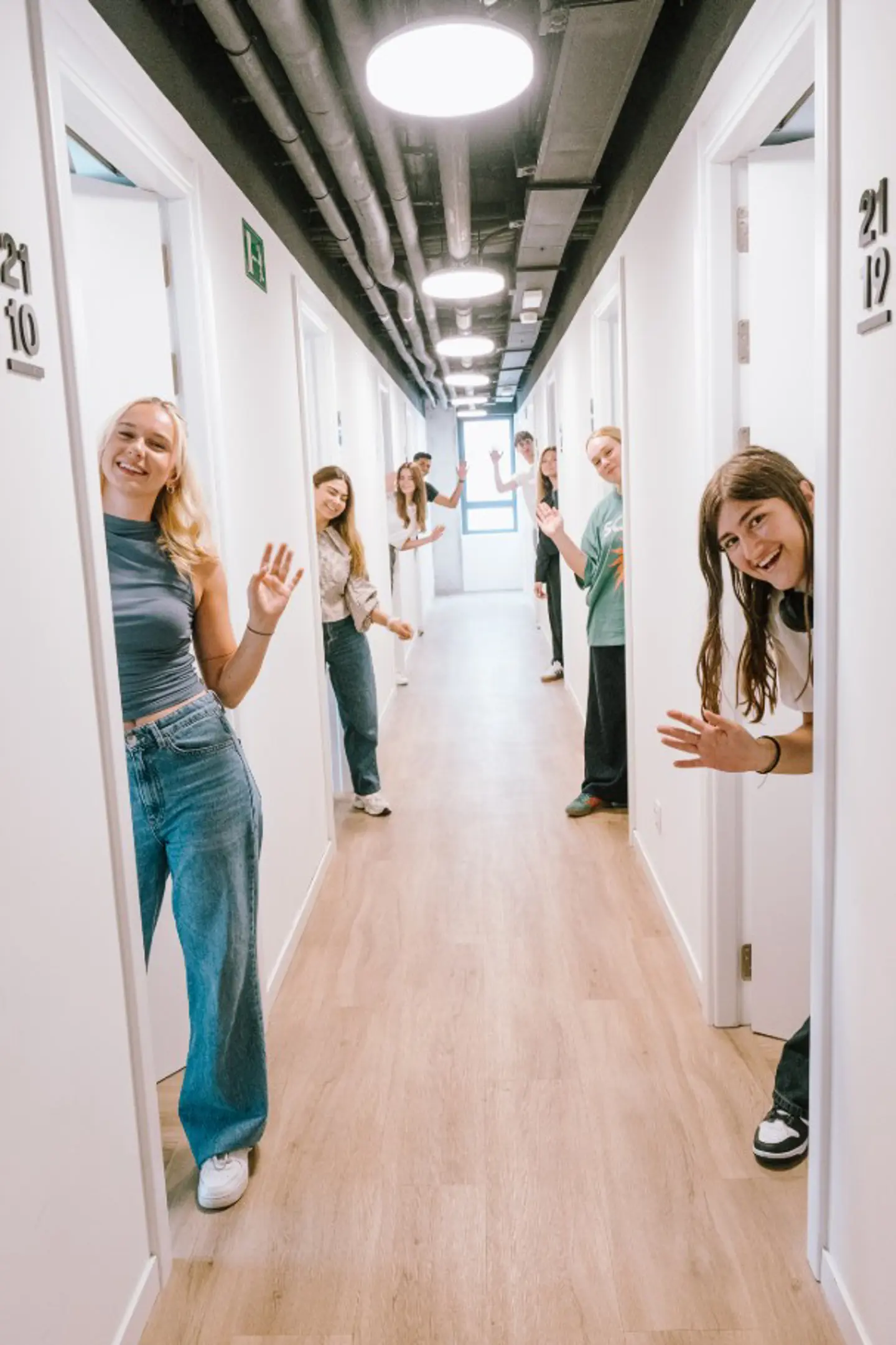
Amb només 51 estudiants i el suport d'un equip de personal amable, The Stoneworks és com viure al teu propi barri privat.
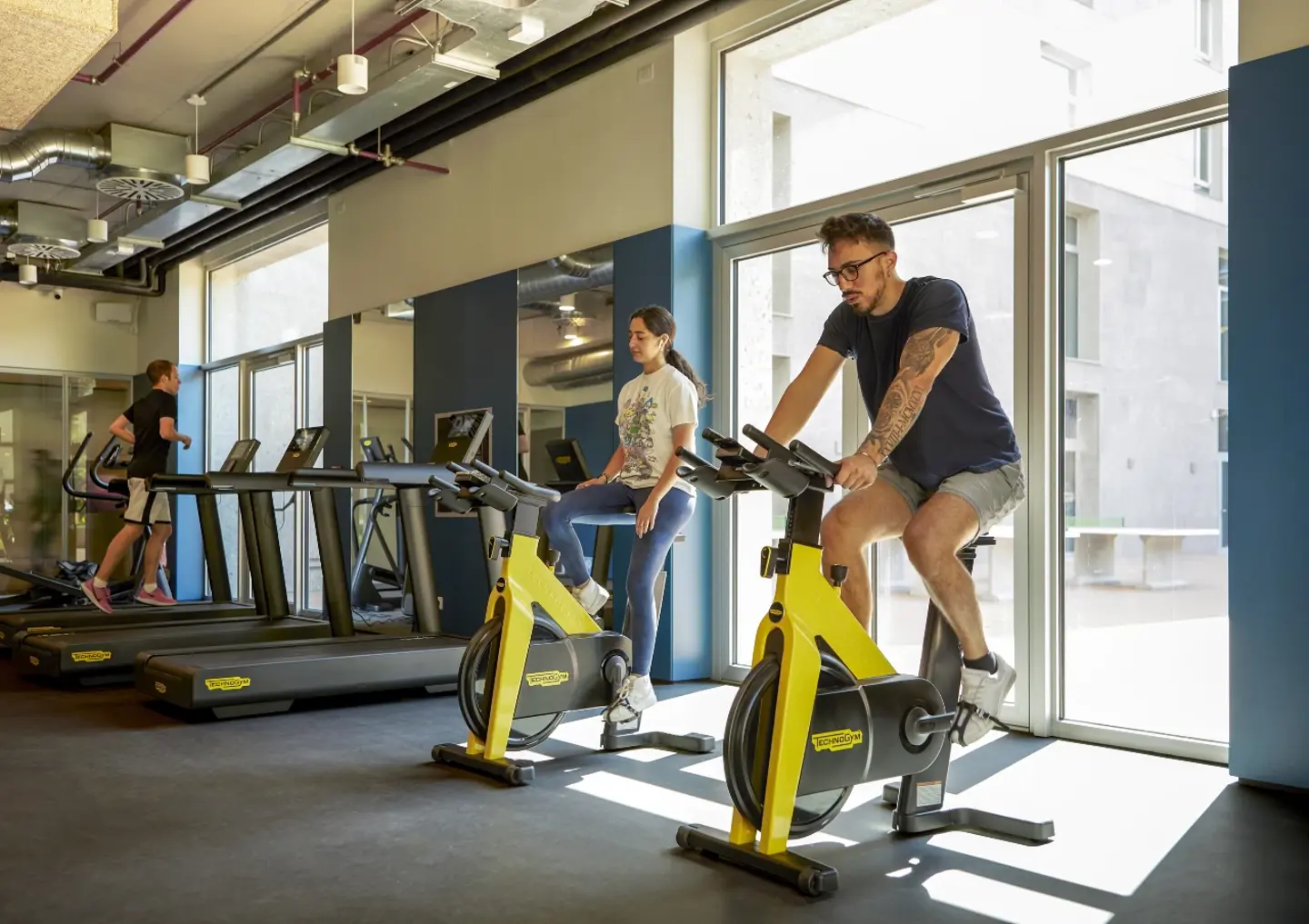
Una residència per a estudiants amb tot inclòs
- Factures de serveis i wifi incloses
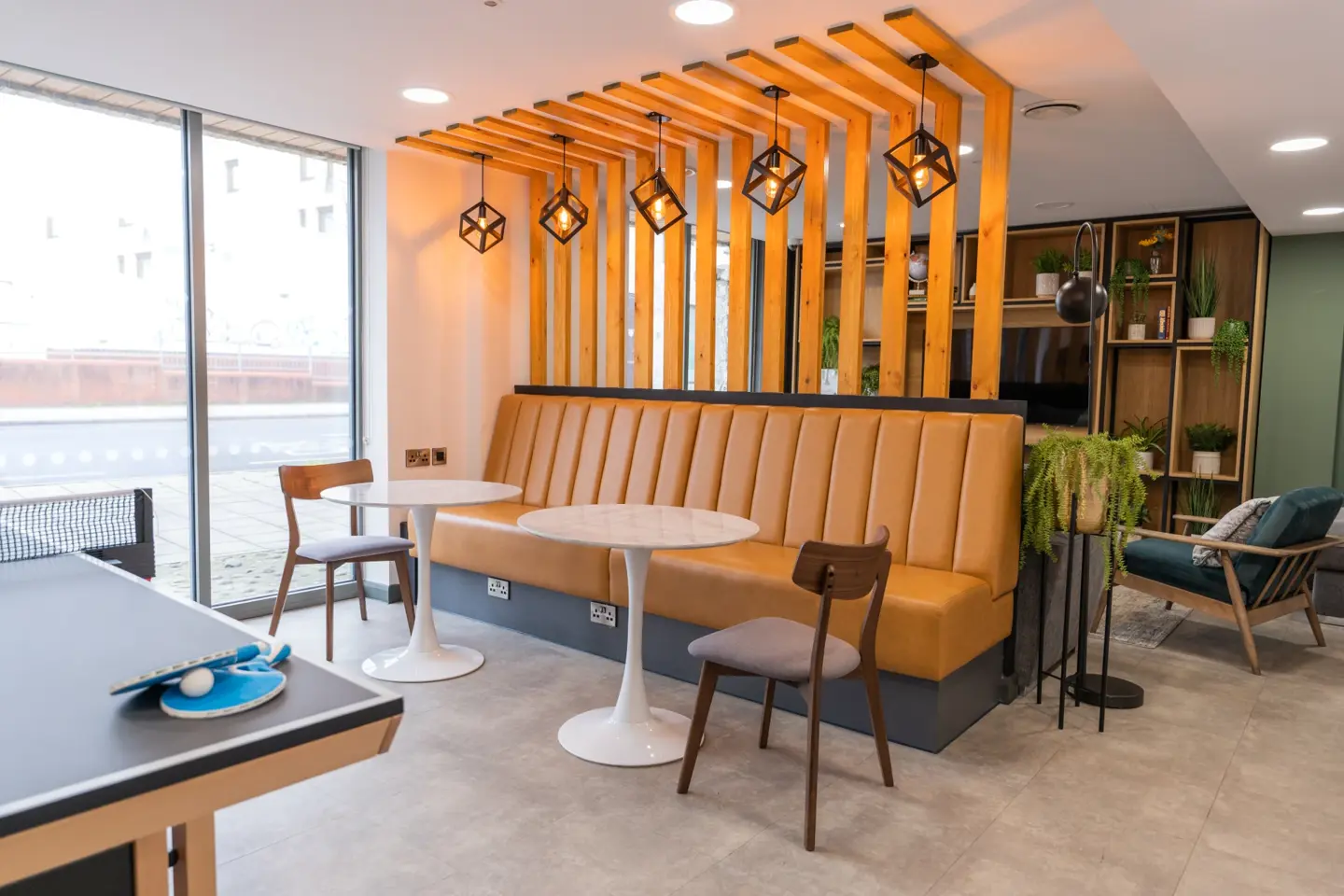
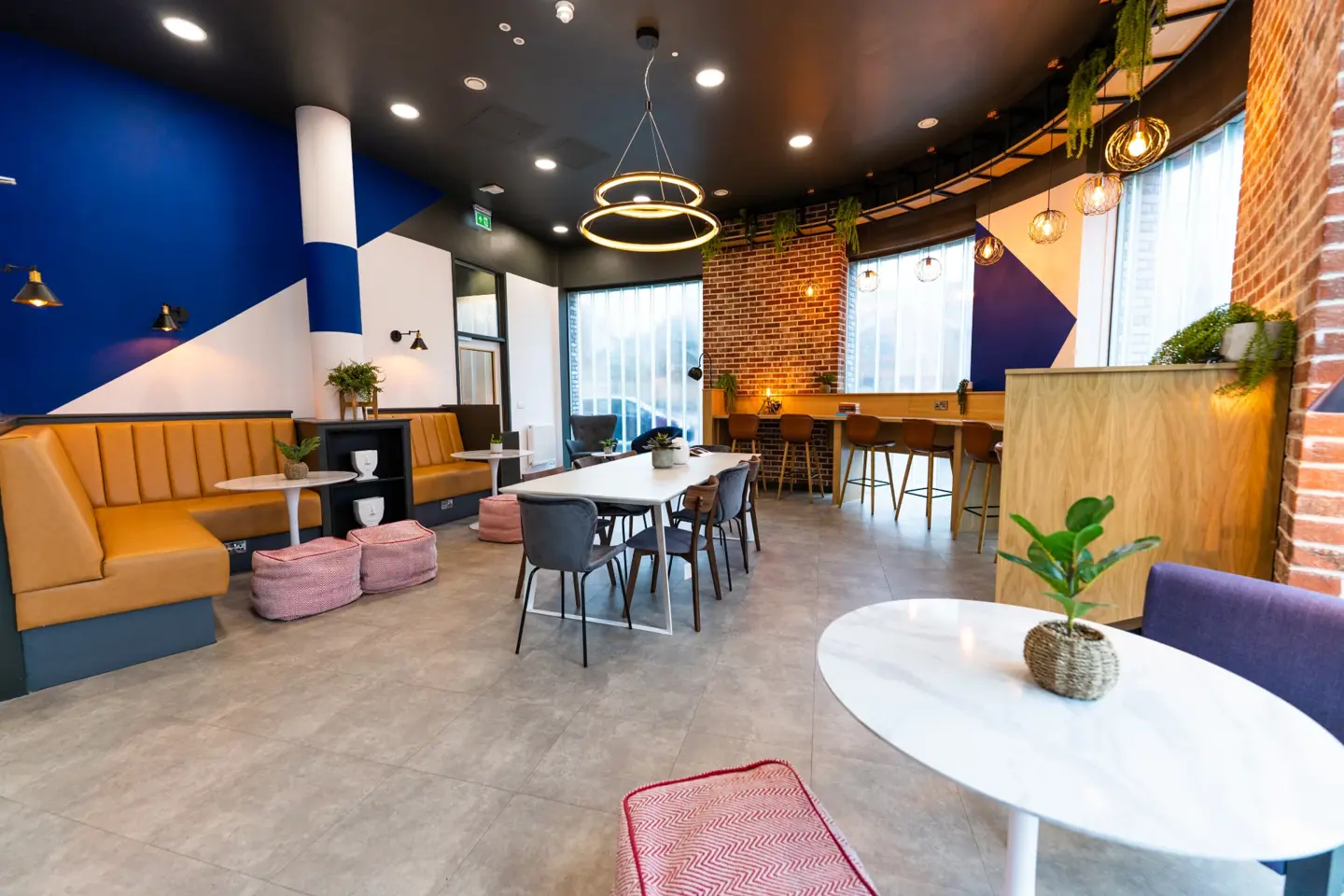
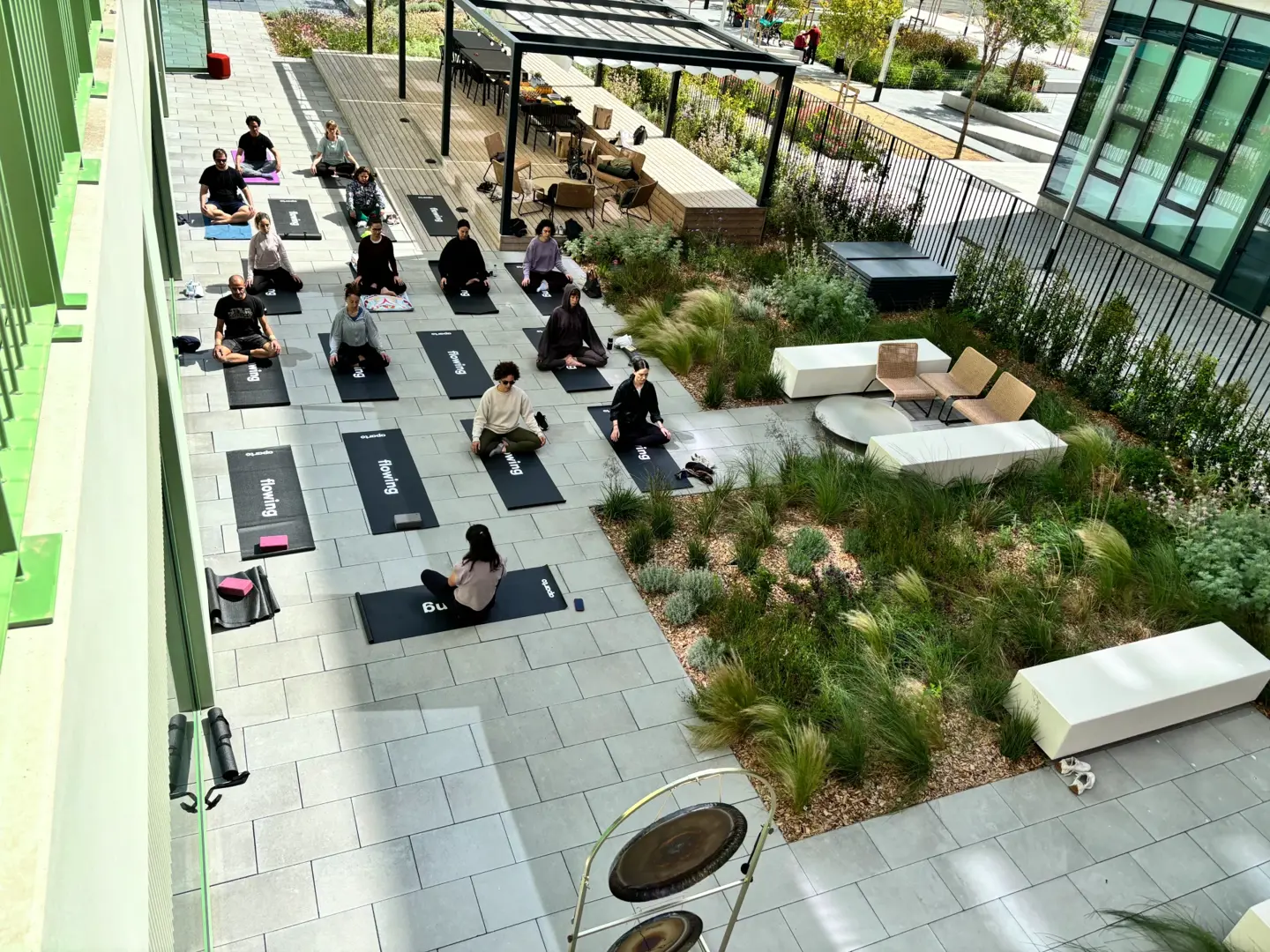
- Espais comuns i d'estudi
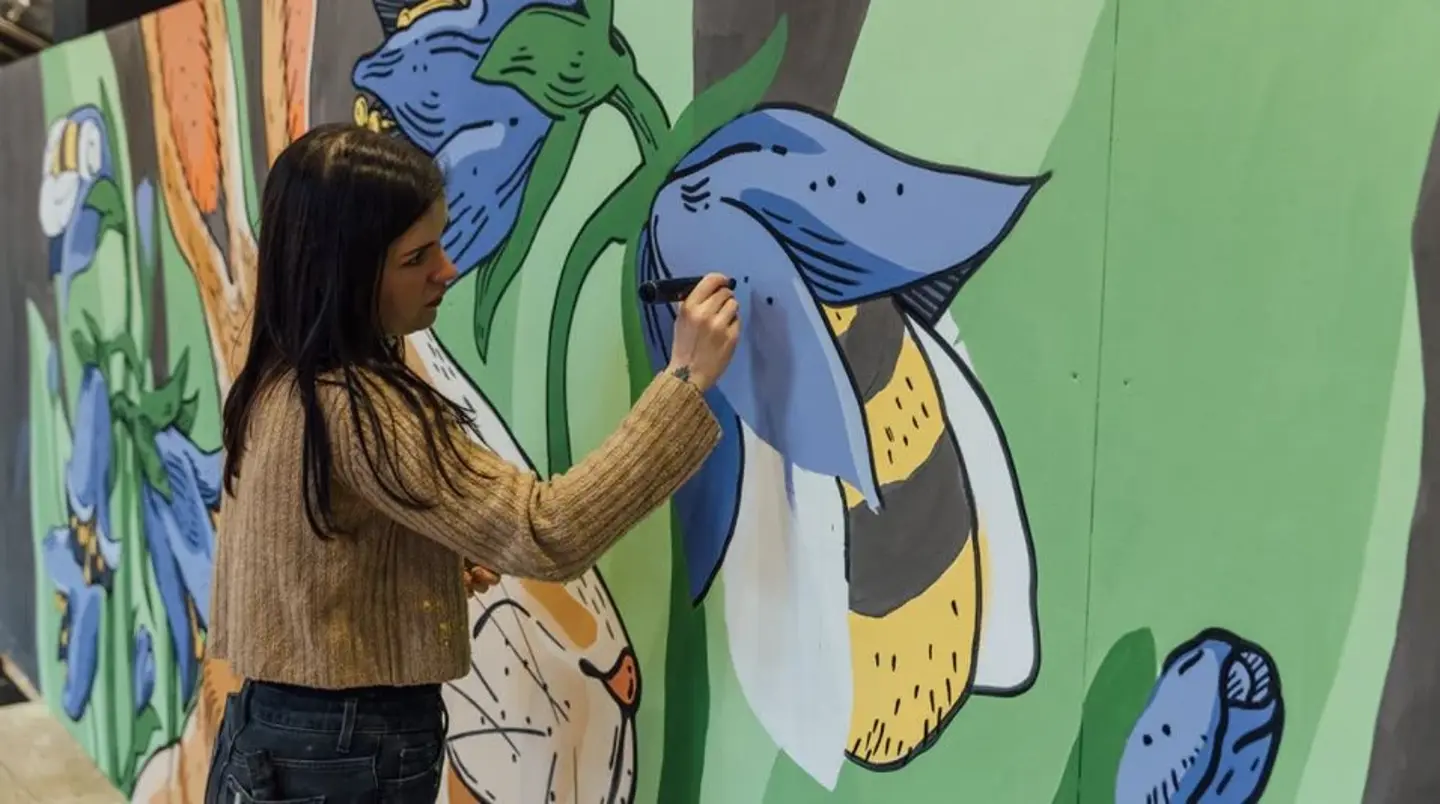
- Esdeveniments socials regulars
- CCTV 24 hores i bugaderia
- Sala de jocs
- Suport per a la salut mental i equip amable
Habitacions
Descobreix el teu espai ideal per a estudiants a Brighton
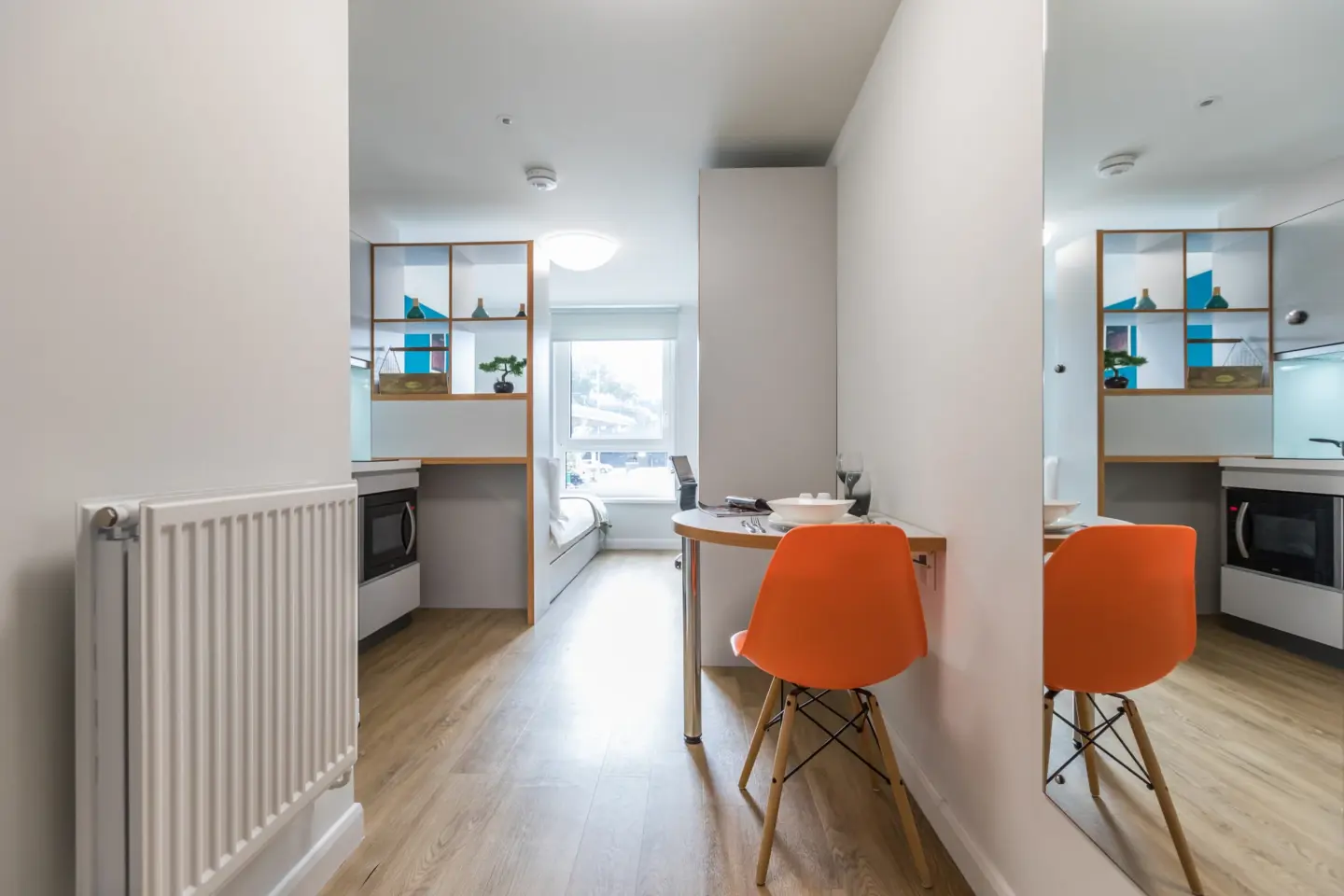
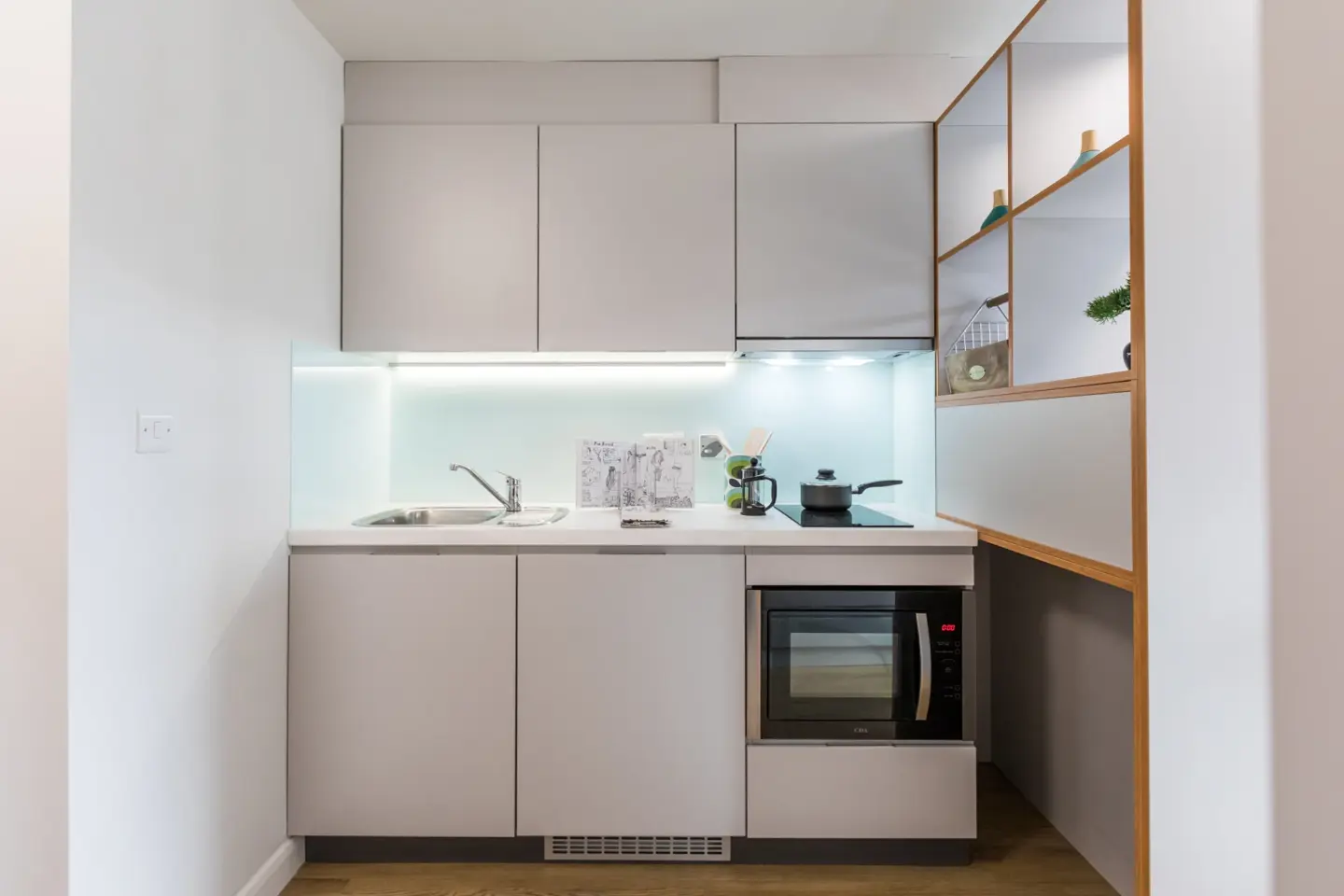
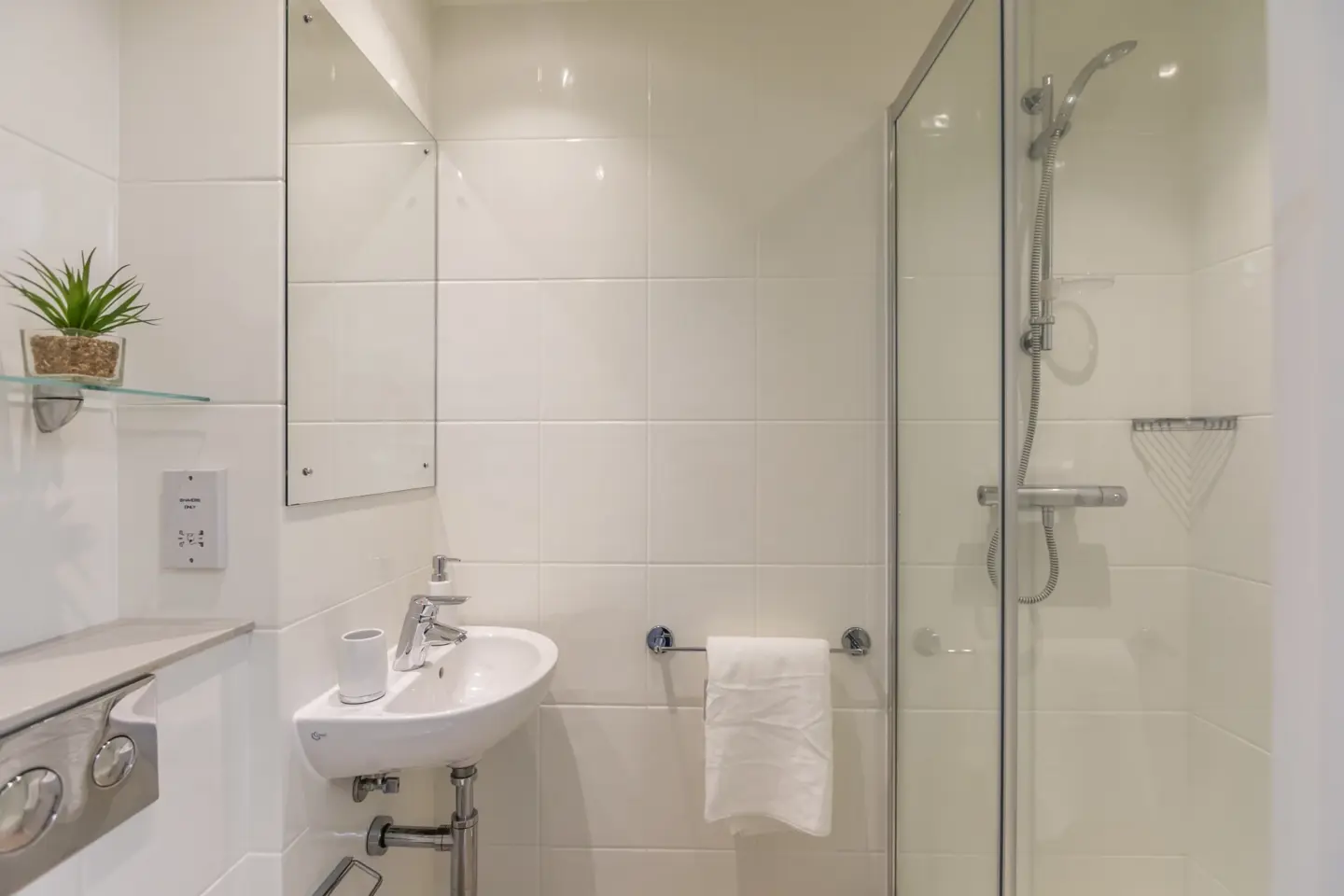
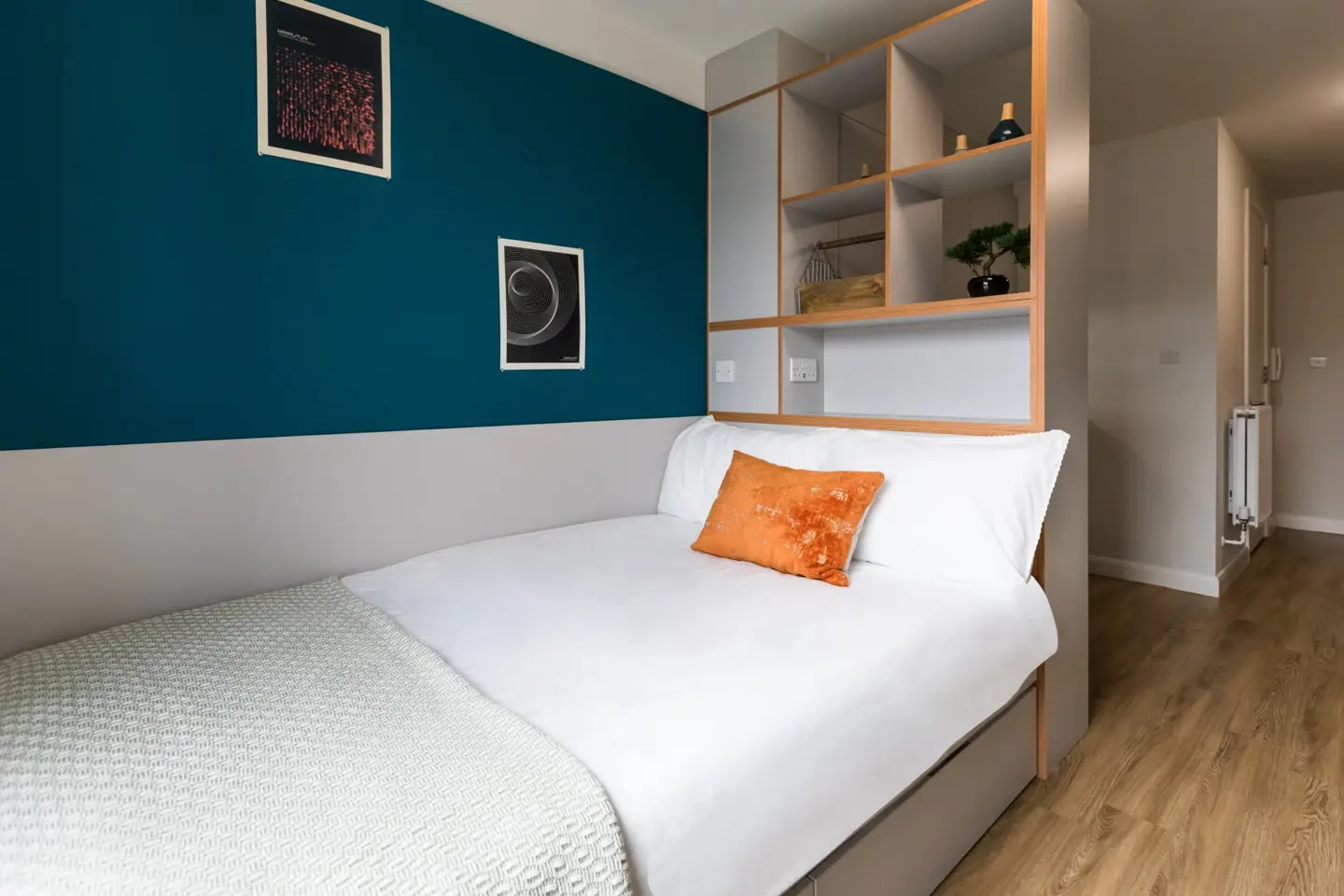
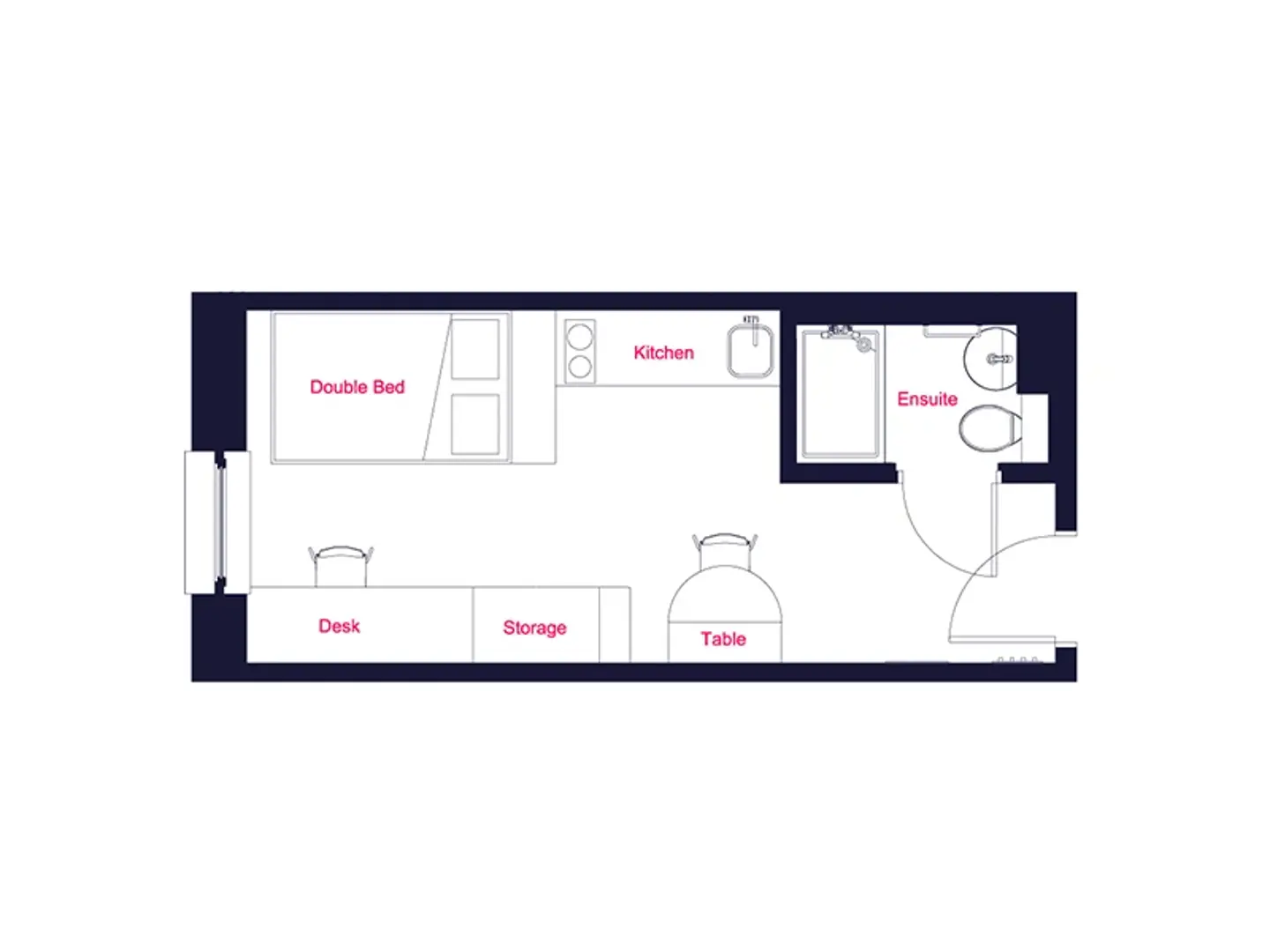
Els estudis són habitacions privades amb bany i cuina propis, ideals per a un ambient sociable amb el vostre propi espai per relaxar-vos.
Les fotos i els plànols són amb finalitats il·lustratives. Les mides i la distribució de les habitacions poden variar.
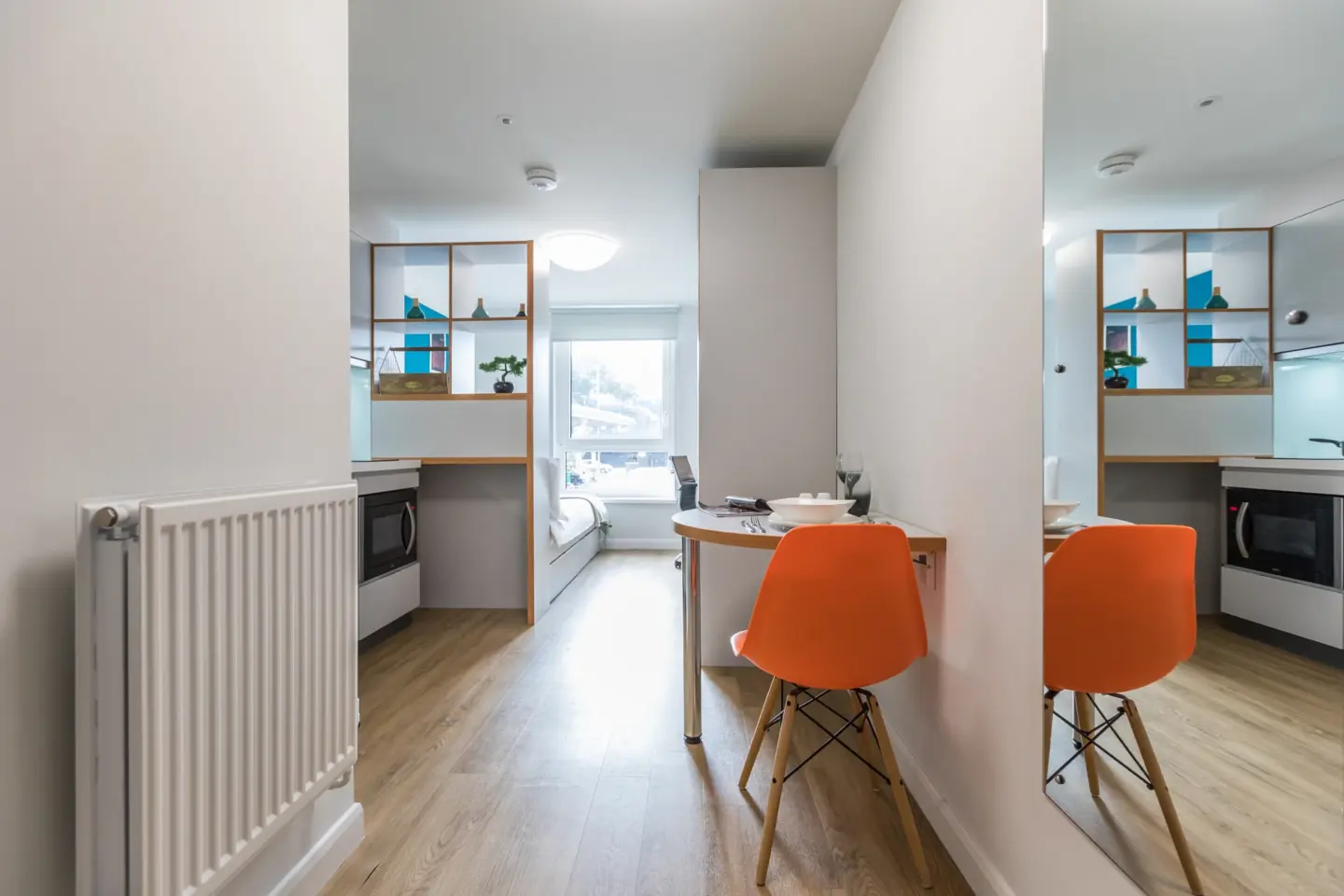
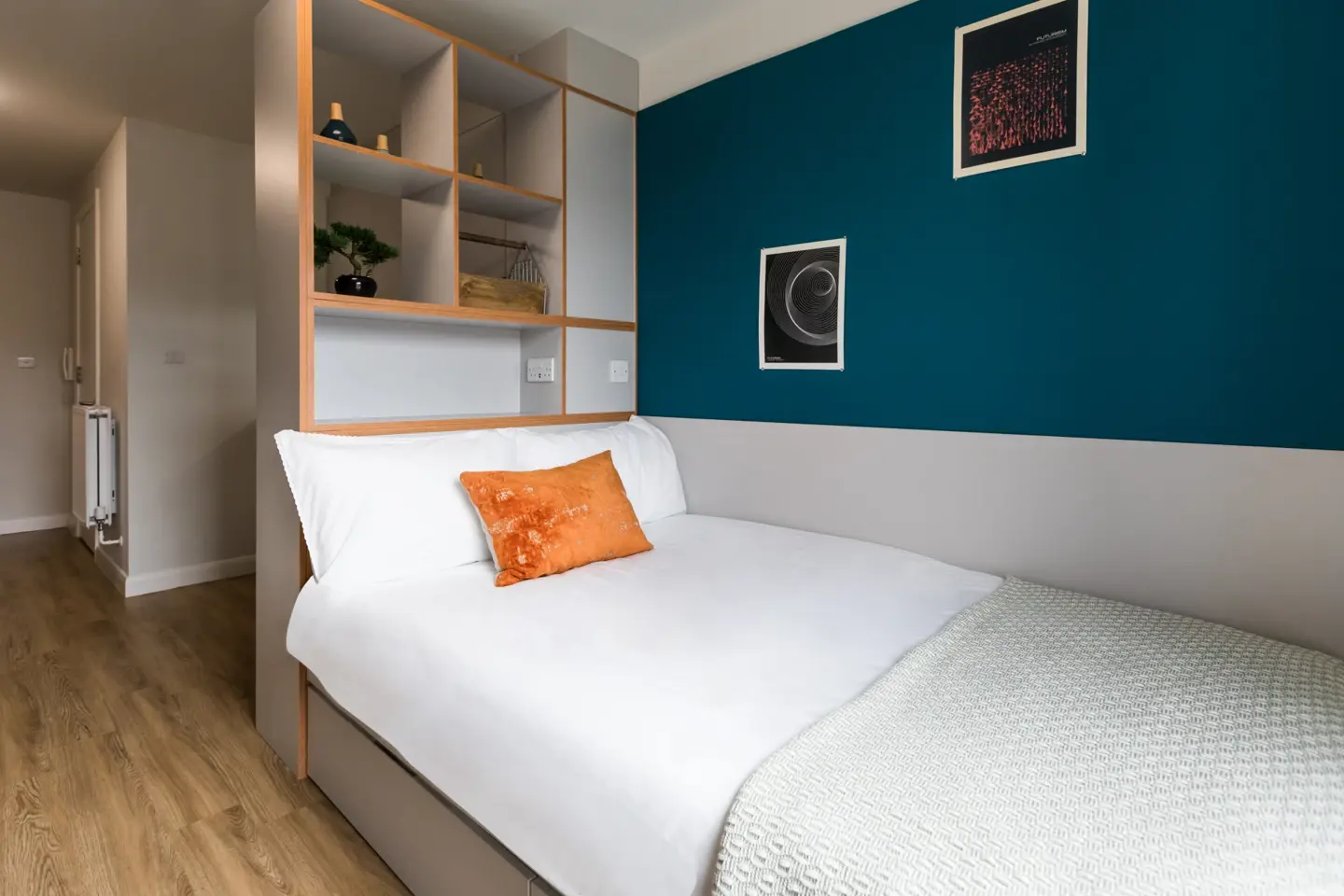
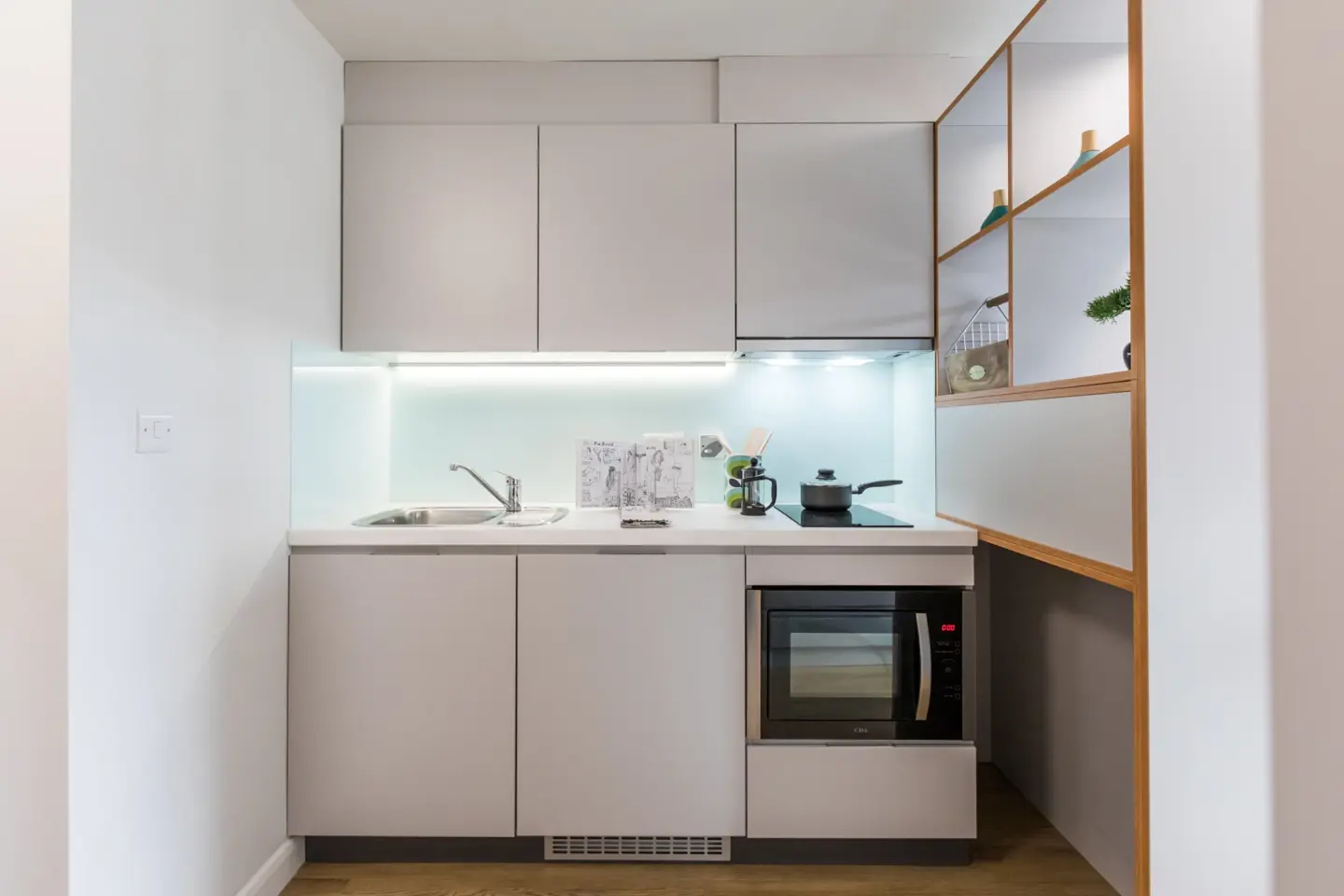
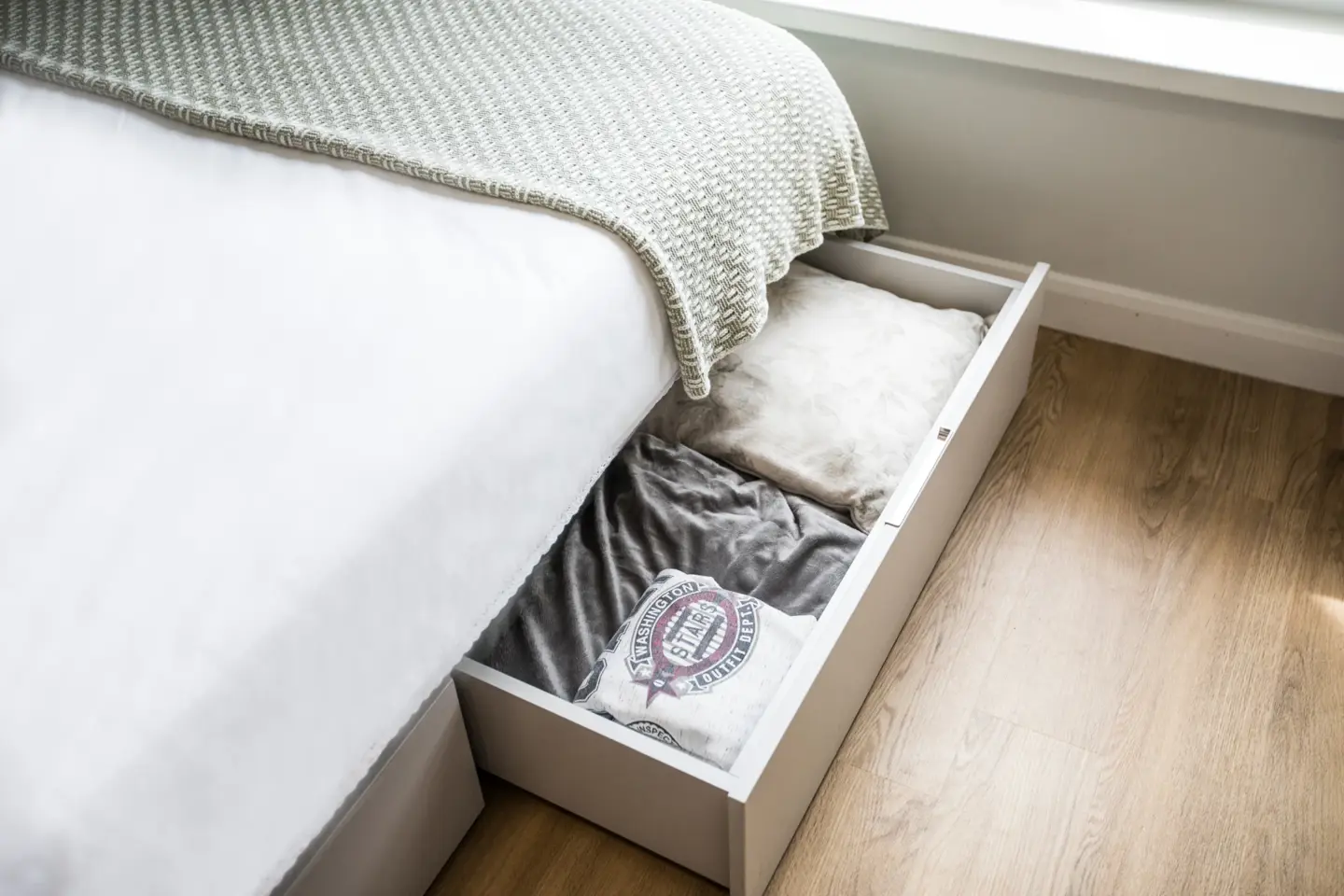
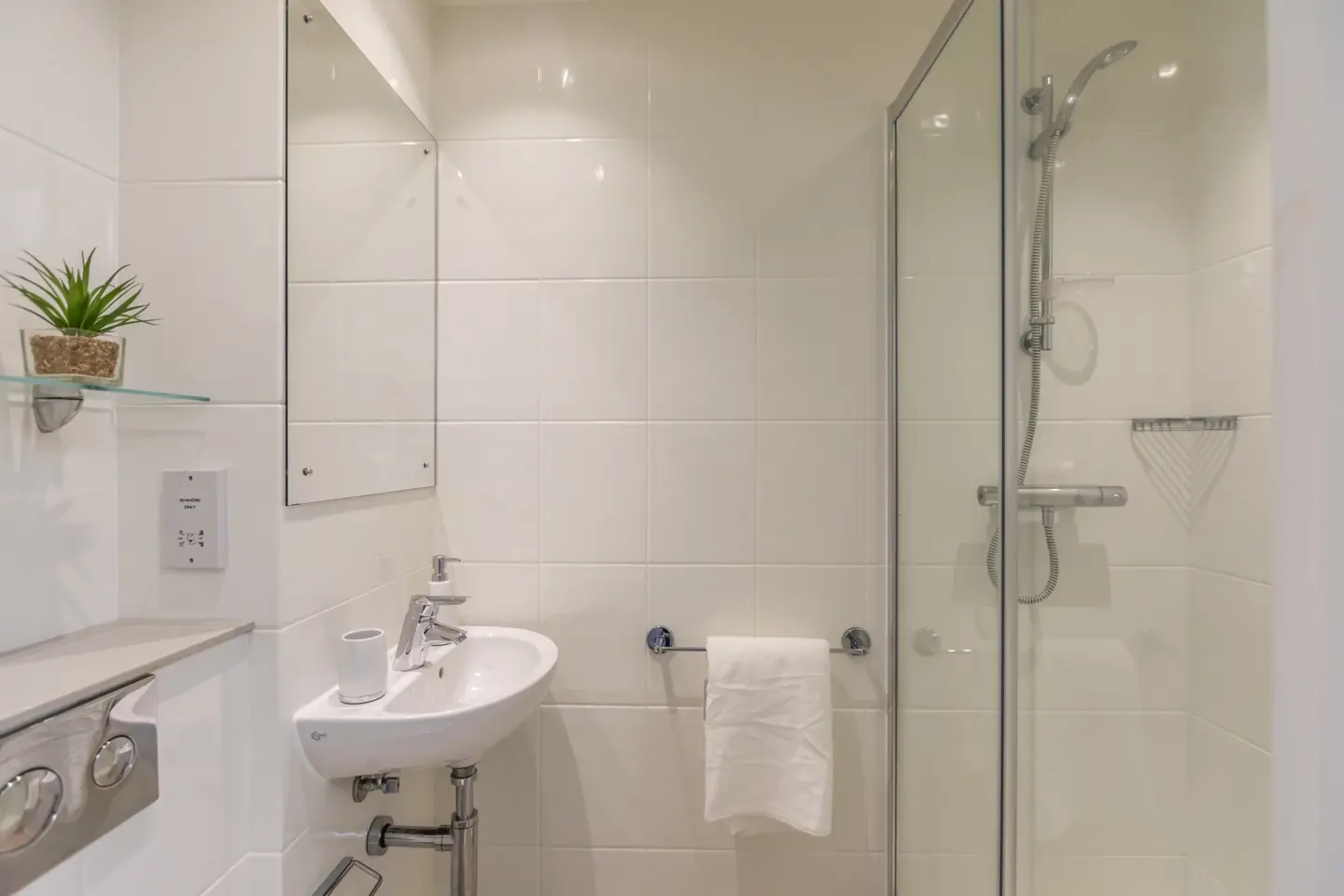
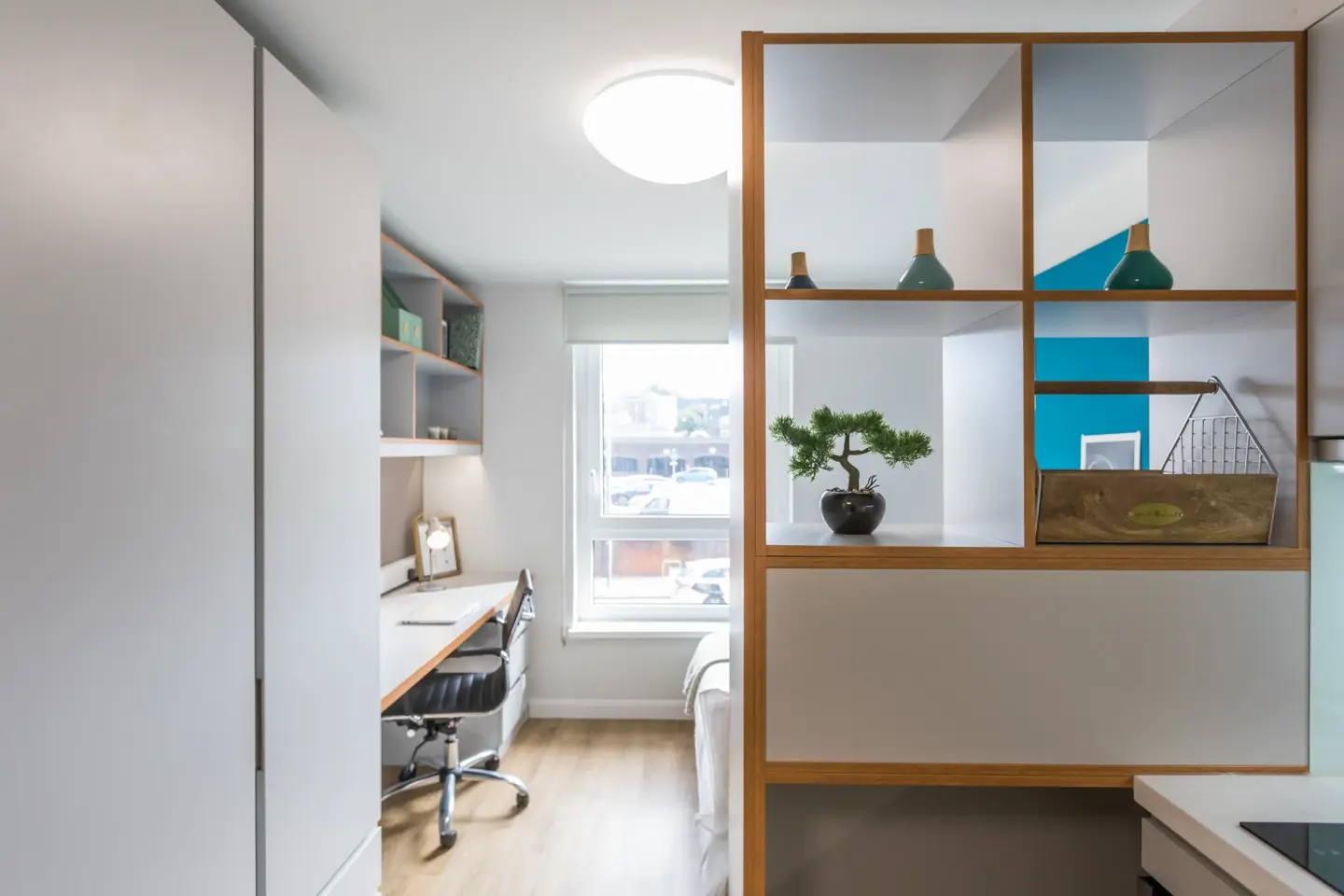
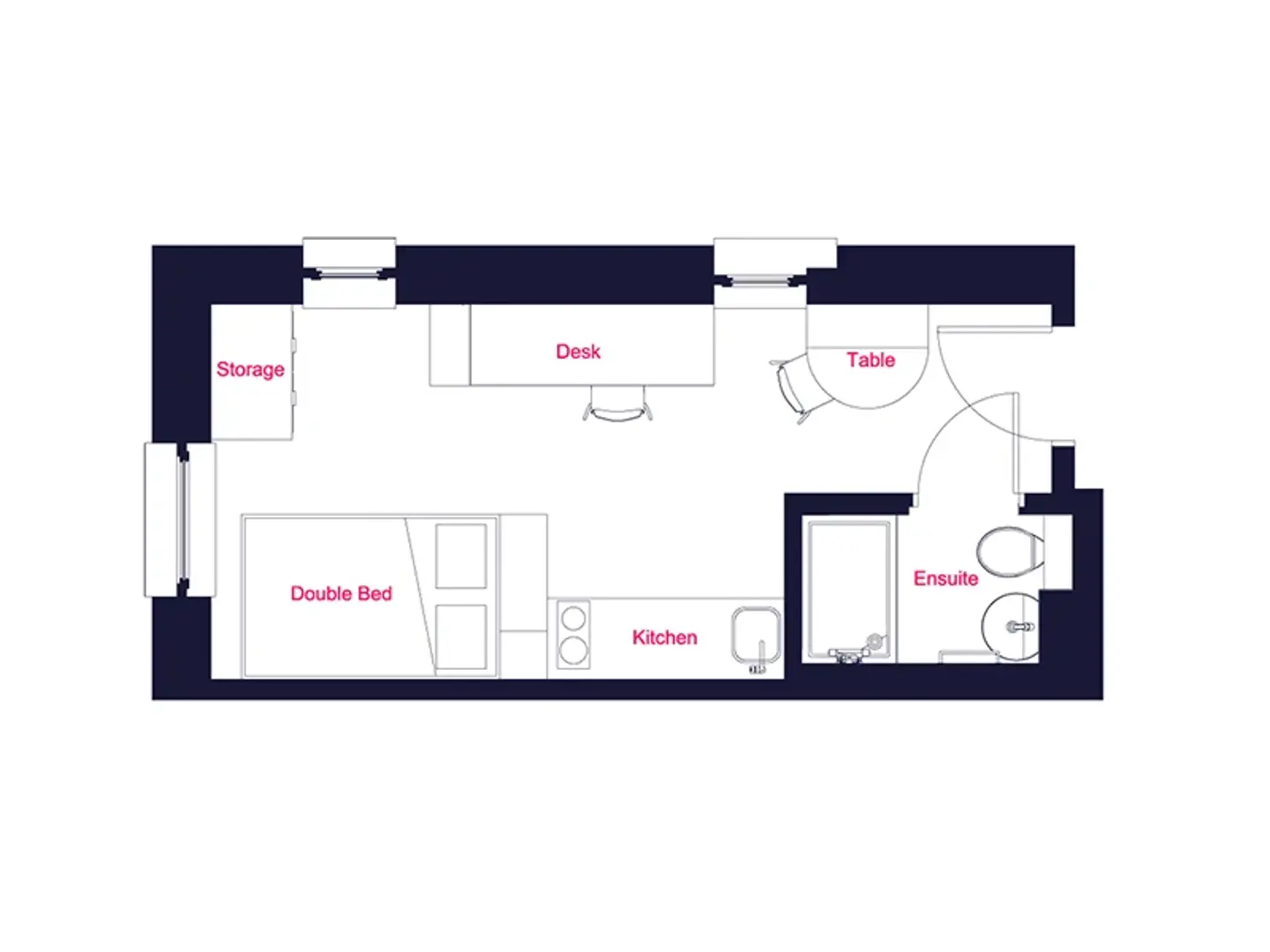
Estudi de Bronze
Des de 240 £ per setmana
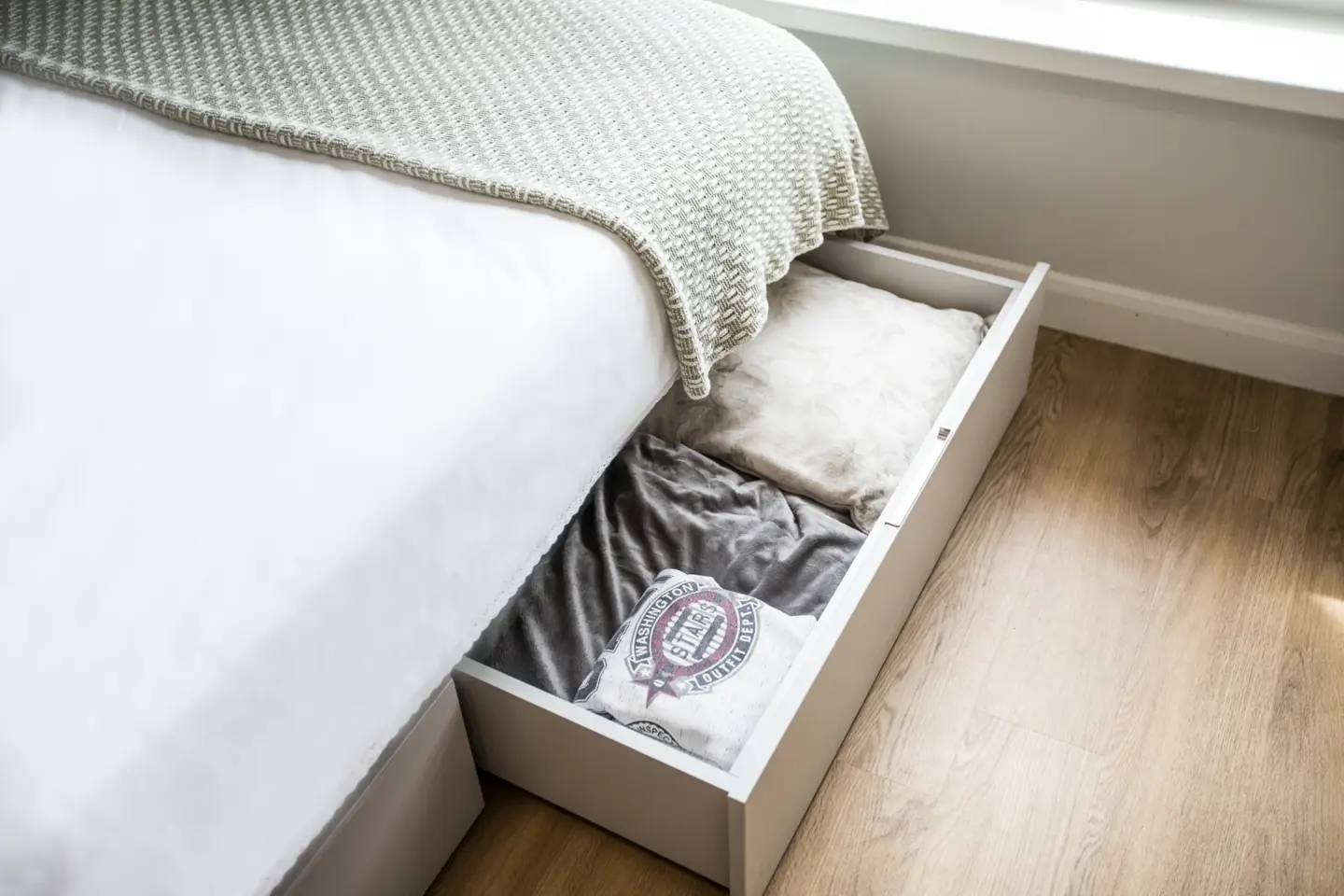
Aquesta habitació disposa d'una elegant cuina americana, bany privat, llit doble i molt d'espai d'estudi i emmagatzematge. Situada en una planta inferior als nostres Silver Studios.
18 m²
Habitació privada
Característiques estàndard
Característiques addicionals
Llit doble
Situat a les cantonades de l'edifici
Estudi de plata
Des de 250 £ per setmana
Busques una mica més d'espai per gaudir? Tria Gold.
19 m²
Habitació privada
Característiques estàndard
Característiques addicionals
Situat al centre de cada nivell
Llit doble
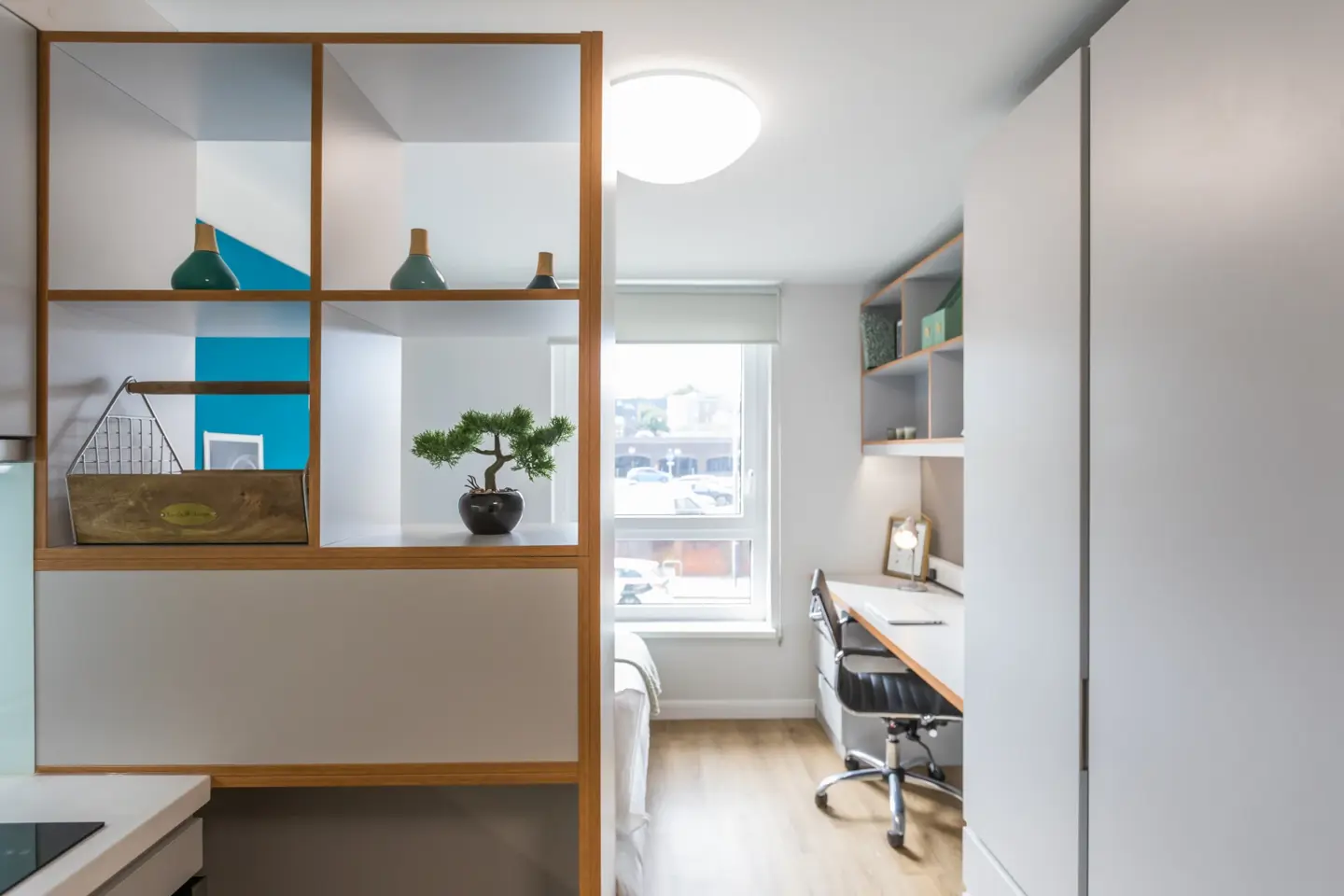
Gold Studio
Des de 260 £ per setmana
Aquesta habitació disposa de bany privat amb dutxa, cuina americana elegant, zona de menjador i llit doble.
19 m²
Habitació privada
Característiques estàndard
Característiques addicionals
Llit doble
Situat a les cantonades de l'edifici
Estudi Gold Accessible
Des de 260 £ per setmana
Les nostres habitacions accessibles Gold Studios són la millor opció quan es tracta d'espai addicional.
24 m²
Habitació privada
Característiques estàndard
Característiques addicionals
Situat a la planta baixa
Molt d'emmagatzematge
Llit doble
Ubicació
Explora el barri
Busques un local o necessites una mica de teràpia de compres? Hi ha tot tipus de botigues, pubs i restaurants a prop, així com un altre edifici d'apartaments, així que sempre hi ha coses per fer i gent per conèixer.
S'està carregant el mapa...
Serveis
Una residència per a estudiants amb tot inclòs
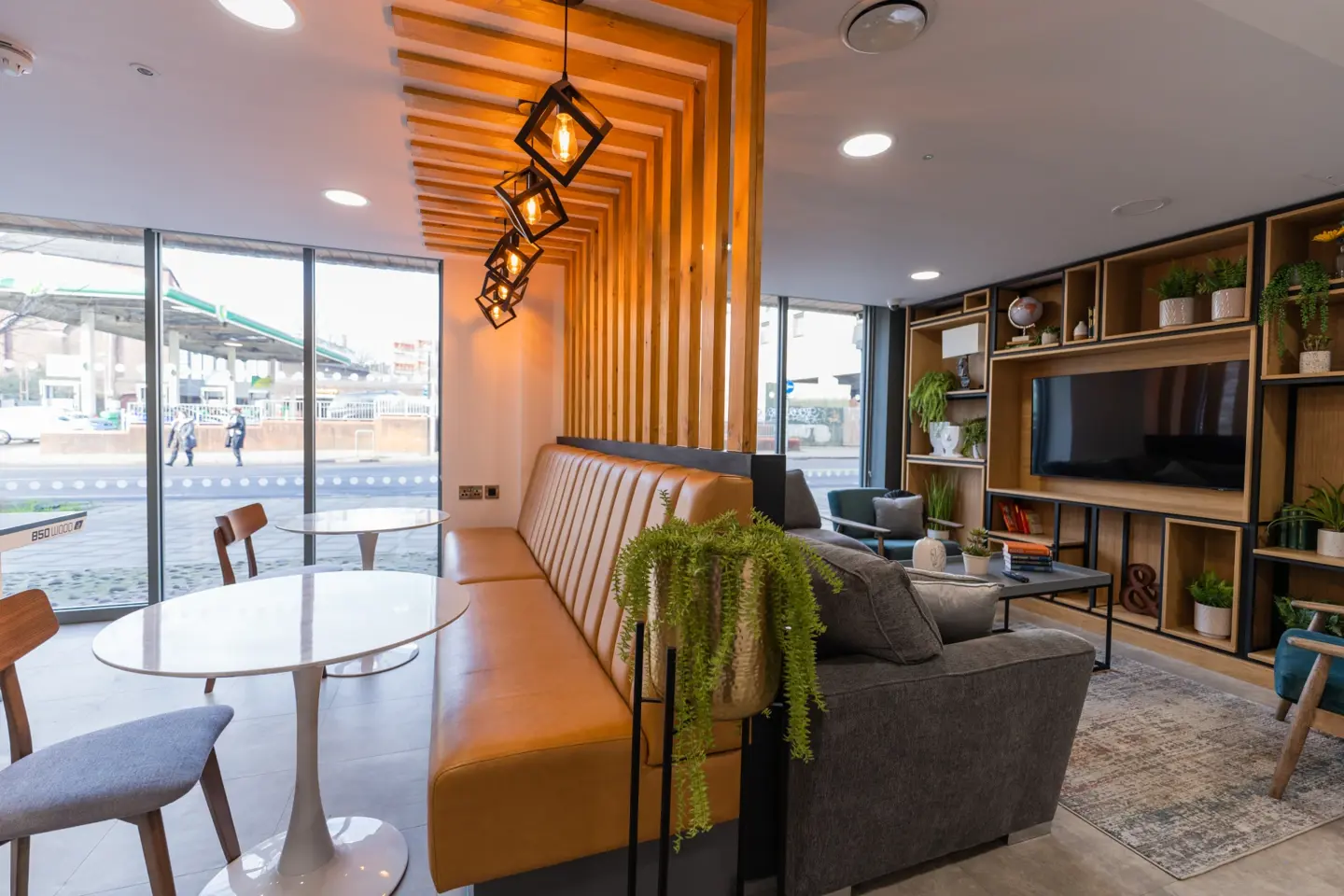
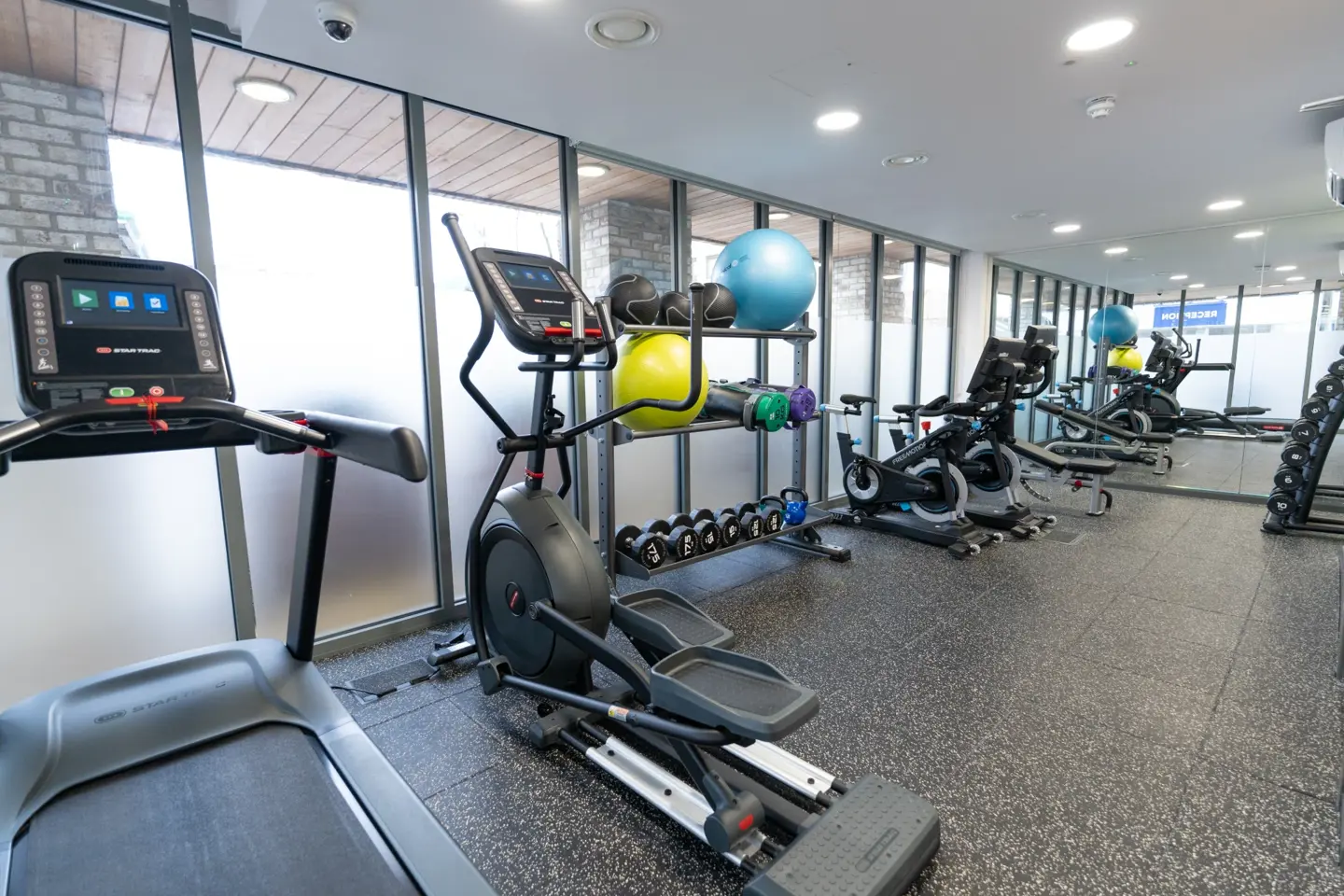
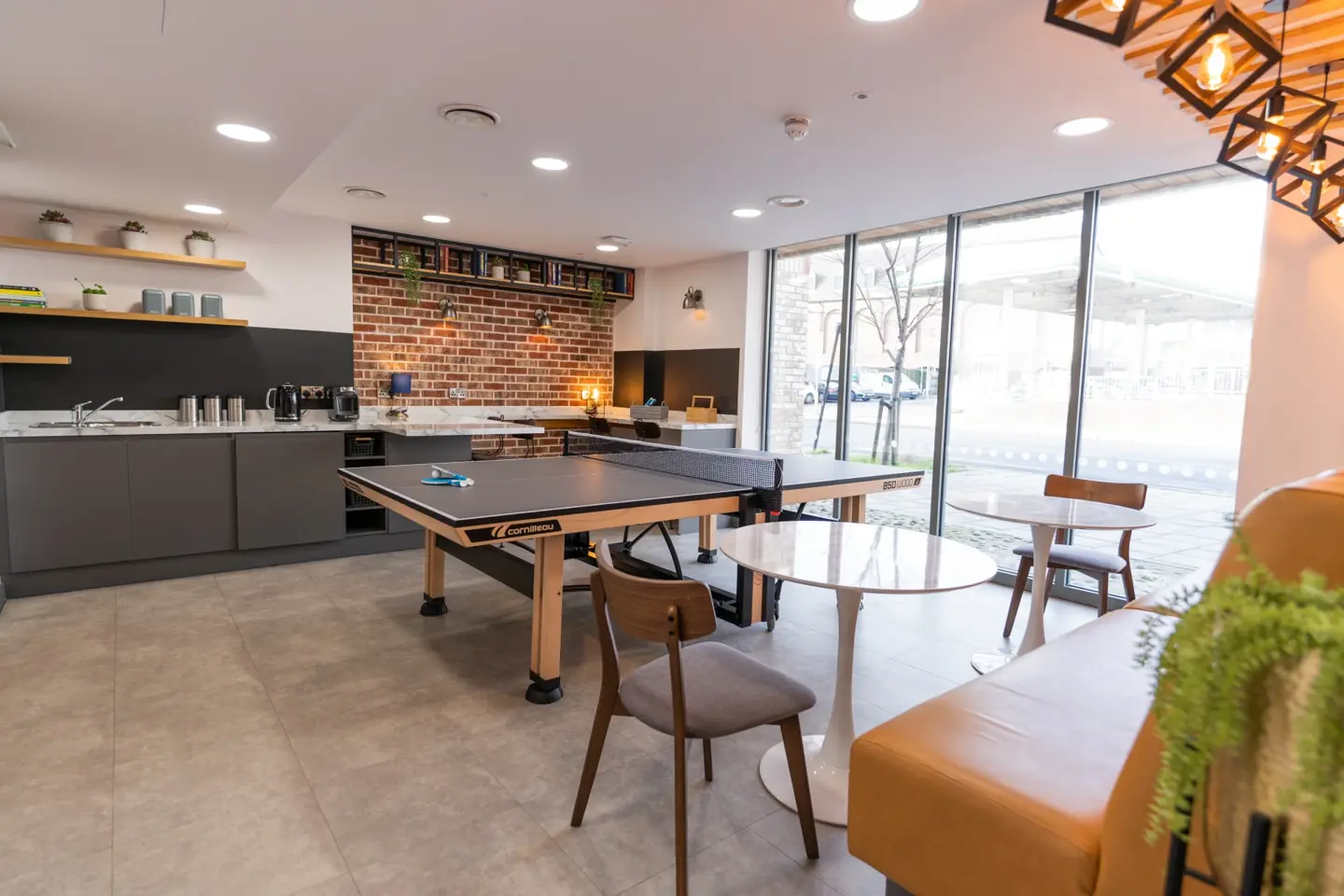
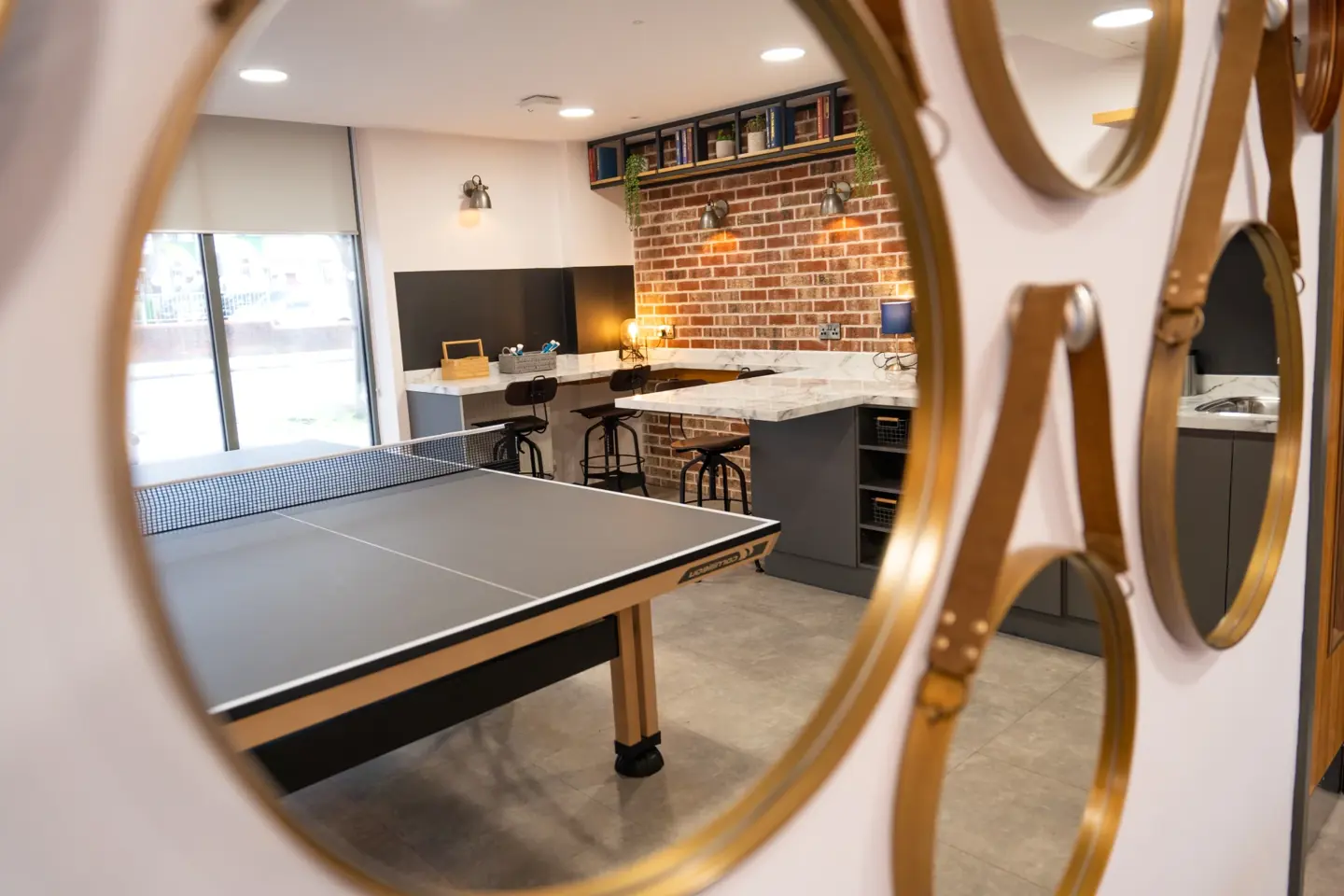
Ofertes
Última oportunitat per salvar

Oferta de reserva de grup!
Voleu reservar en grup? Obteniu un val de 200 £ per persona si reserveu en grup de 3 o més persones! Poseu-vos en contacte amb el nostre amable equip per a reserves de grup.*

Regne Unit - Oferta de recomanació per a un amic 2026-27
Uneix-te al nostre programa de recomanacions per guanyar vals de compra per a tu i els teus amics. Cada vegada que recomanis un amic a apartamento al Regne Unit, rebràs un val de compra de 200 £ quan s'hi mudi. La millor part? No hi ha límit en el nombre d'amics que pots recomanar! Recomana 10 amics i rep vals de compra per valor de 2000 £. Com més recomanis, més rebràs: què més t'agrada!

RESERVES OBERTES PER AL CURS 2026/27!
No et perdis l'allotjament per a estudiants dels teus somnis per a la universitat el 2026/27: RESERVA AVUI Reserva amb confiança: si no pots viatjar al Regne Unit a causa del teu visat o restriccions de viatge, o no obtens les qualificacions necessàries per al teu curs, pots cancel·lar el teu contracte 2026/27 gratuïtament. S'apliquen els termes i condicions*

Blocs i esdeveniments
Vols connectar, explorar o mantenir-te al dia? Tot comença aquí.

Una guia dels barris amigables per als estudiants de Brighton

La teva guia de la ciutat de Brighton

Coses a fer a Brighton: què fer i les principals atraccions
Una guia dels barris amigables per als estudiants de Brighton
La teva guia de la ciutat de Brighton
Coses a fer a Brighton: Què fer i…


EQUIP
Aquí quan ens necessiteu
Des d'una càlida benvinguda fins a una feina pràctica i útil, coneixeràs l'amable personal de The Stoneworks, així com els teus companys de residència. Sempre accessibles, fan que tot funcioni a la perfecció mentre hi siguis.
Dl.-Dv.: 09:00 - 17:00
Poseu-vos en contacte
Correu electrònic: stoneworks@apartostudent.com
Telèfon: +441273956128

Marissa
Gerent
Preguntes freqüents
Tot el que necessites saber
Què faig si alguna cosa no funciona al meu pis/pis?
Si teniu algun problema de manteniment, simplement podeu iniciar la sessió al portal i seleccionar l'opció "manteniment" a la part superior. Un cop fet això, registreu el vostre problema i doneu el màxim de detalls possibles i seguiu les instruccions del formulari en línia.